
What's new in Consenteer: Google sign-in and a 4-language interface
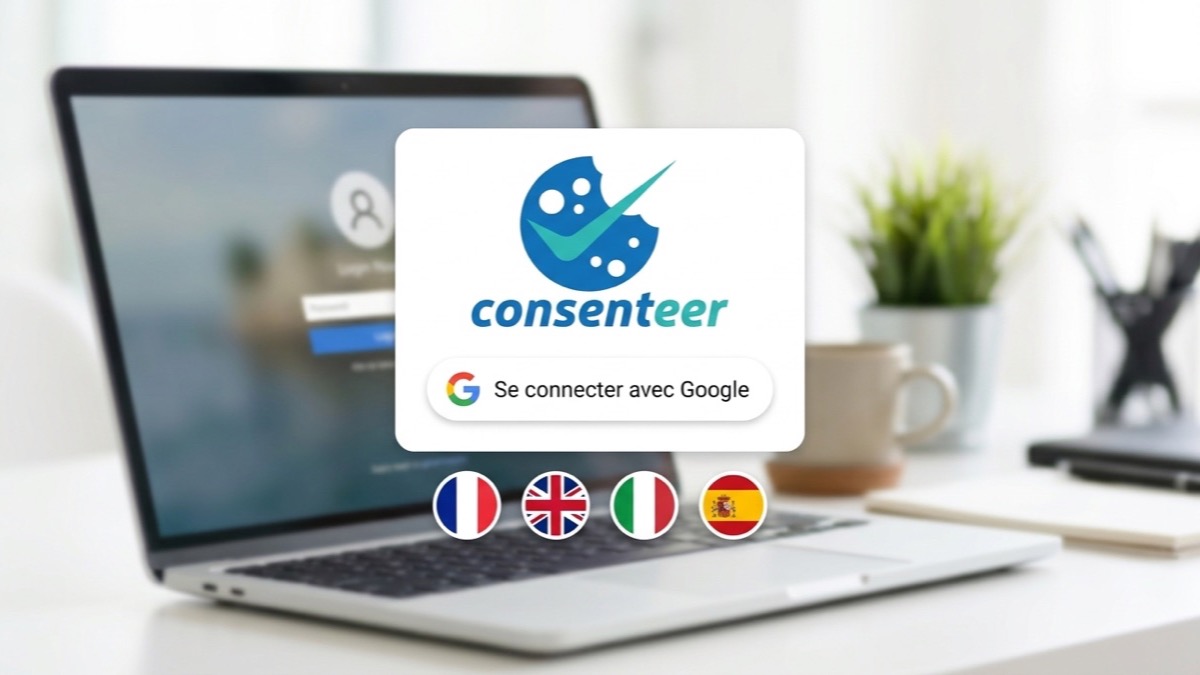
Two new features are available in the Consenteer back office: sign-in with your Google account, and an interface translated into English, Italian and Spanish, in addition to French. Here is what this changes, and what stays the same.
Sign in with Google
You can now access your my.consenteer.com space with your Google account, without creating or remembering an extra password.
- Fewer passwords to manage. Access relies on the authentication of your Google account, with the protections you have already enabled there.
- Available for all accounts. This is not an option reserved for one plan: it is open to the free plan as well as paid plans.
- A change of access, not of visitor processing. Sign-in only concerns access to your back office. It has no effect on the banner displayed on your site, nor on how your visitors' choices are handled.
An interface in French, English, Italian and Spanish
The back office now displays in four languages: French, English, Italian and Spanish. For an agency managing the sites of foreign clients, or a team where not everyone reads French, administering the banner becomes accessible without rough translation.
This translation covers the administration interface, that is, what you and your collaborators see.
And the banner already speaks several languages
The two should not be confused. The consent banner (the window your visitors see) has been multilingual for a long time: the language displayed adapts to that of the visitor's browser, and you customize the texts for each language from your dashboard. This feature requires the Starter plan or higher: on the free plan, the banner is displayed in a single language, even if your administration interface is in another one. To offer the banner in English, Italian or Spanish, you need at least Starter and must add the language in the banner editor; the details are on the Pricing page and in the multilingual section of the features.
| Who is it for? | Availability | |
|---|---|---|
| Back-office interface | You and your collaborators | French, English, Italian, Spanish |
| Consent banner | Your visitors | Multilingual, from the Starter plan |
Try it out
If you already have an account, Google sign-in is offered on the login page. Otherwise, you can create a free account and place the banner on your site in a few minutes by following the installation guide.
Google sign-in and the 4-language interface are available on all plans, including the free plan. The multilingual banner requires the Starter plan. Create a free account.